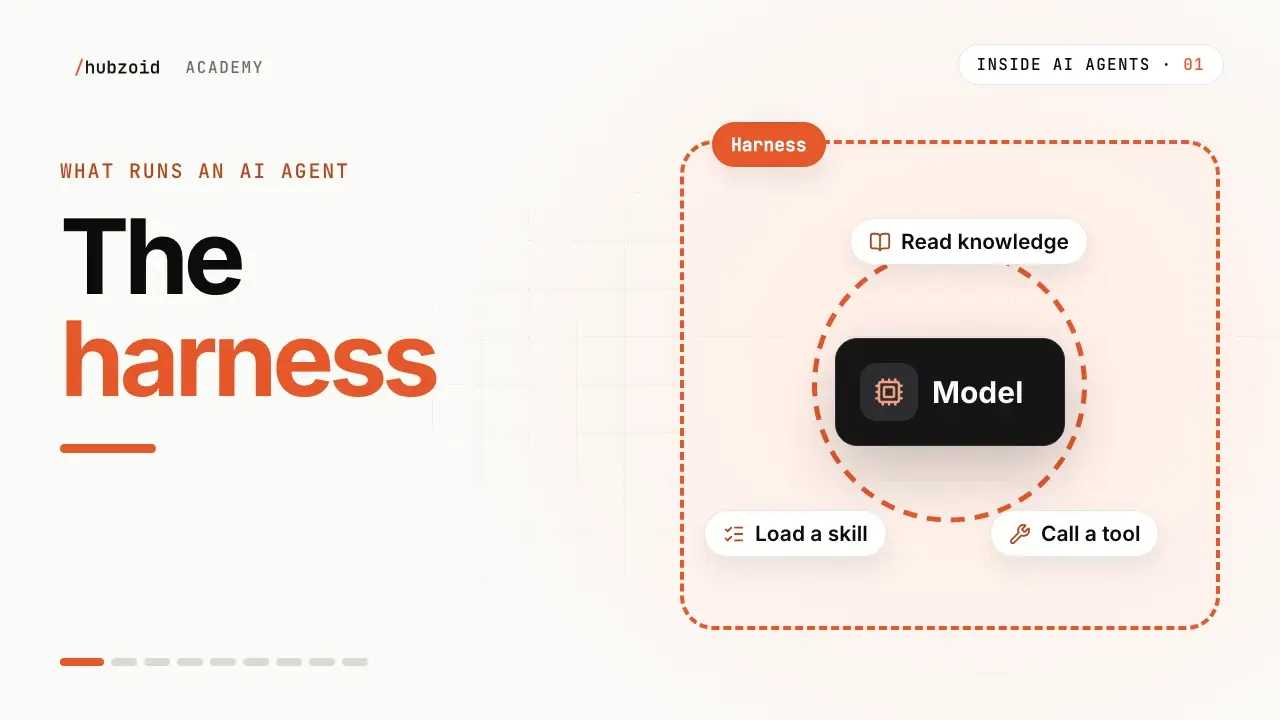
A model can suggest looking up an invoice. It does not execute the lookup by itself. An agent harness is the software around the model that supplies context, carries out tool requests, returns the results and continues until the task ends or reaches a limit.
Hubzoid adds the shared foundation and operating controls needed to make that agent useful to a team.
At a glance
- The model chooses a next step. The harness runs the allowed tool and returns its result.
- A Hub holds the instructions, knowledge, procedures and tools for the work.
- Chat, workflows and supported MCP assistants can reuse that foundation.
What happens between a question and an answer
Imagine a teammate asking which supplier invoices need attention. The harness gives the model the job's instructions and a menu of available knowledge, skills and tools.
The model can request the invoice-checking procedure, look up the relevant records and inspect the results. The harness executes those calls and supplies the outputs for the next step. The model then prepares an answer from what it actually found.
- Read the request
- Choose a tool
- Check and run it
- Return the result
- Answer or continue
The process must have limits. A missing record, a refused permission or a run that cannot finish should produce a visible failure or an incomplete result, rather than an invented success.
Your business context lives above that loop
A Hub is a folder of readable material organized around the work:
- Instructions describe the job, its audience and its limits.
- Knowledge explains policies, definitions and decisions.
- Skills describe repeatable procedures.
- Tools fetch current information or perform a specific action.
The people who understand the process can maintain its written context. Tools still need suitable code, credentials and access checks.
You do not need to paste every document into every request. The agent can start with a short description of available material and read the relevant parts when needed.
Hubzoid supplies the pieces around the agent
Hubzoid provides a web chat, an API bridge, supported channel adapters, scheduled work and the Console for administration. It builds on existing agent runtimes rather than requiring your team to write its own loop.
The Console lets the people responsible for the deployment review agents, access, activity, runs and usage. Those records make a failure easier to investigate. Someone still needs to read them and decide what to fix.
MCP lets another assistant use the same Hub
MCP is a protocol an assistant uses to request another system's context and tools. When a supported assistant connects to Hubzoid, the assistant runs its own model loop and the Hub supplies the capabilities it is allowed to use.
That path shares useful context without copying the team's notes into another prompt. It does not merge the assistant's conversation with the Hub's web chat, and support depends on the client and authentication setup.
A running agent still needs an operator
Hubzoid can be self-hosted, but a team deployment needs appropriate sign-in, network configuration, backups and maintenance. Your model and connected services also determine where requests go.
Before sharing it, check one real task, a missing input and a refused tool call. Name the person who owns failures. The package supplies the foundation. Your team supplies the context and the operating responsibility.
Next step: follow the quickstart for a first local Hub.
Watch Why AI agents need a harness, episode 1 (opens in a new tab) for the loop in action.
Then watch Tools, connectors and MCP, episode 3 (opens in a new tab) for how a tool request reaches a business system.