Engineering Desk: An AI teammate for your engineers.
Reviews every pull request, answers questions about your code, watches security and writes the Monday digest. Nothing posts until you allow it.
Works with
- GitHub
- Slack
- Claude Code
- Codex
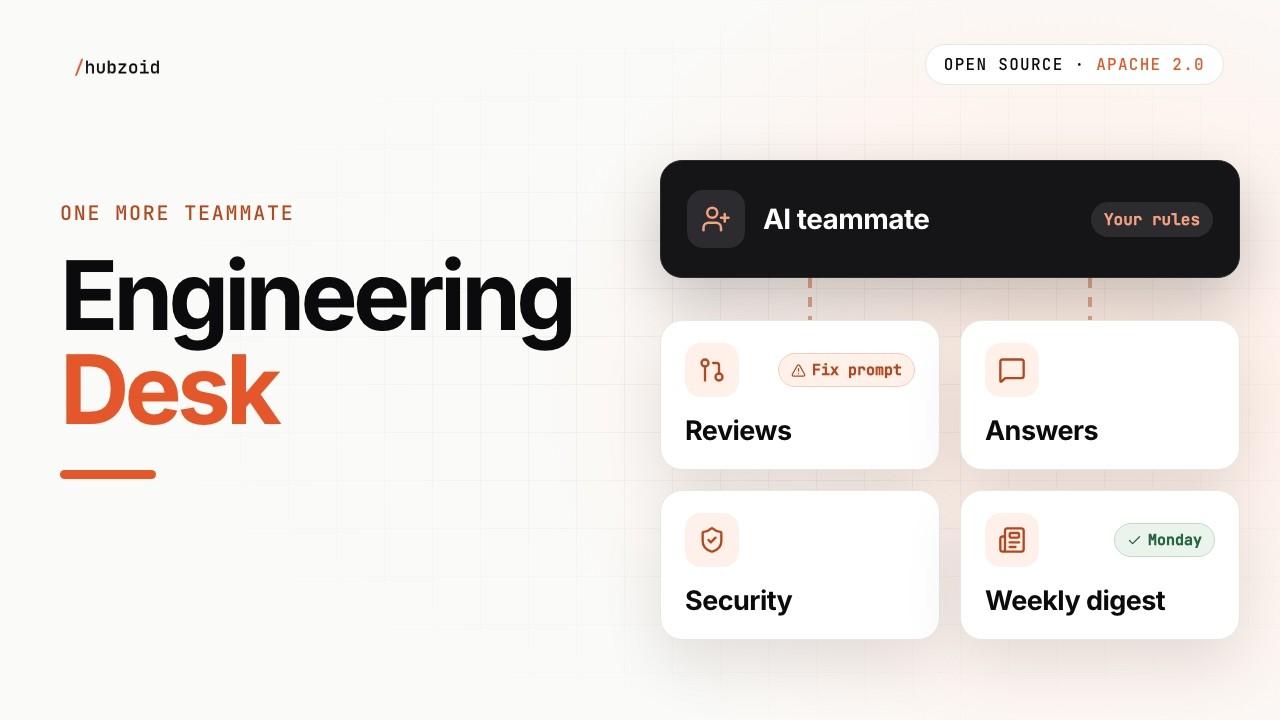 Watch it work, about 2 minutesWithout JavaScript, opens YouTube in a new tab.
How it works
One teammate. Four jobs.
Each job has its own switch. Customize them or add your own.
- Step 01. Start
A pull request opens
Reviewed within minutes, against your rules.
- Step 02. Agent
Review and fix prompt
Your Claude Code or Codex fixes. The desk never commits.
- Step 03. You
Ask about your code
From code, history, issues and Actions runs. Read-only.
- Step 04. Agent
Watch security
Dependencies daily. Code audited weekly.
- Step 05. Agent
Monday digest
What merged, team numbers, security, rule health.
- Step 06. You
You decide what runs
Three switches per repo, all off. Reviews start in preview.
What you get
Findings with a fix prompt.
Each names the rule and line it breaks.
- Rules are plain files, or say “Remember” in chat
- Security alerts only when new and serious
- Never commits. Posts only when you allow it.
GitHub
PR #102Add an order export for financePreview- Staff routes need sign-inTeam rule, high: the export has no sign-in check
app/orders.py L35 - Fix prompt readyHand it to Claude Code or Codex
- Rest of the changeNo other findings
app/orders.py
Not posted to GitHub yet
Get started
Run it on your machine.
Python 3.11 or 3.12, Git and Claude Code or Codex. No API key.
git clone https://github.com/hubzoid/engineering-desk-hub engineering-desk
cd engineering-desk
python3.12 -m venv .venv
source .venv/bin/activate
python -m pip install -r requirements.txt
cp .env.example .env
Make it yours
Run it yourself, or have us run it.
Start from the open-source repository, or ask us to run it for your team.