Resources
A little context goes a long way.
Guides to get started, notes from the team, the open-source project and every page in a form your AI assistant can read.
Start here
Build your first shared agent.
Guides that take you from your laptop to your team.
- Inside AI AgentsNine short video lessons on how agents work and how to build a shared brain.
- QuickstartCreate a Hub, pick a model and have your first conversation.
- Bring an existing agentTurn the agent on your laptop into one your team can use.
- Connect your assistantGive Claude Code, Codex or Hermes your team’s context over MCP.
- Restrict a toolDecide who can call a tool, checked in code before it runs.
From the notebook
Notes on building internal agents.
Perspectives, engineering notes and product thinking from the Hubzoid team.
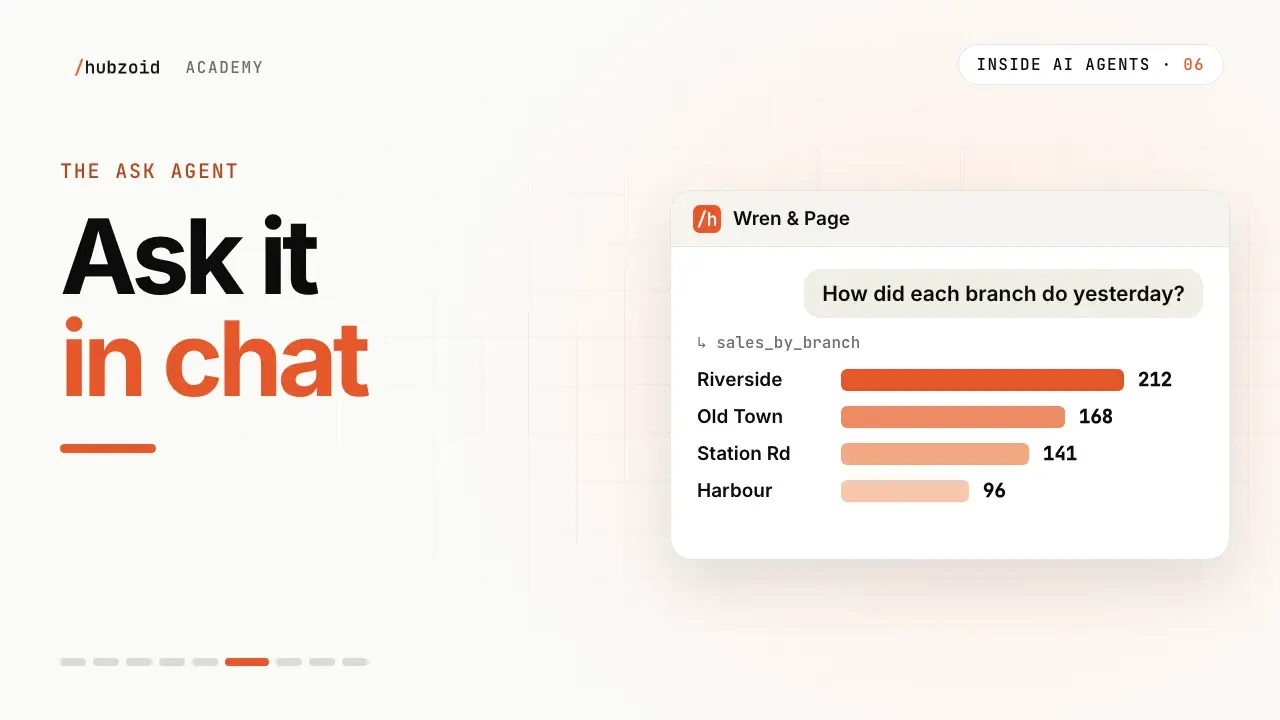
How to share an AI agent with your team
Move a useful personal agent into a shared Hub with maintained context, individual access and someone responsible when it fails.
Internal AI agents need a shared brain
What internal AI agents are, how they use your team’s knowledge, and how to build one. Practical examples, a shared Hub and clear permissions for your team.
Sim vs Hubzoid: where each fits
Comparing Sim AI alternatives? See how Sim's visual builder and Hubzoid's file-based Hub differ on license, self-hosting, approvals, Slack, access and cost.
By industry
Agents for the way your industry works.
Problems, the agents we build and where to start, in your industry’s own language.
Built in the open
Read the source. Follow the work.
Hubzoid is open source under the Apache 2.0 license, including the team controls.
Next step
Ready to put your context to work?
Read the source and run it yourself, or tell us what your first agent should do.