Build with us
We build your agent.
Walk us through your process. We build and deploy your AI agent around your knowledge, rules and tools.
 Your Hub
- Your knowledgeCONTEXT
- Your systemsTOOLS
- Your peopleACCESS
- Your deploymentOWNERSHIP
Trusted by teams at





What we build
Agents for your everyday work.
From the factory floor to the leadership meeting. Start with a new idea or an agent you already use.
/morning-reportWorkflow · Every morningMorning reports for every level
One report for each level, from leadership to the floor huddle.
LeadershipSection headsFloor huddle/floor-boardWorkflow · Through the dayA live board for the floor
A screen on the floor that alerts only when something changes.
Floor boardLine ALine BLine CLine B is below plan/ask-the-businessChat · When someone asksAnswers from live business data
Plain-language answers on stock, sales or cash, with the source.
What did the main branch sell yesterday?Up on last week, led by weekend sales.Source: point of sale/branch-reportsWorkflow · Every dayReports for every branch
A report for each branch and one summary for leadership.
- North branchOn target
- City branchOn target
- Airport branchNeeds a look
/slip-checkChat · When a photo is sentDocument and slip checks
Reads a slip or invoice photo and marks it passed, failed or needs review.
Supplier slipPassedFailedNeeds review/team-hubIn your assistant · While the team worksA shared Hub for a support team
Process knowledge and tools in one Hub, used in chat, Slack and AI assistants.
ChatSlackYour AI assistant
Systems we connect to
Your agents work with the tools you already use.
We build the connections your agents need, to these and to almost anything else with an API, a database or a regular export.
- SAP
- Notion
- Zoho
- HubSpot
- Google Drive
- Gmail
- Outlook
- Slack
- Telegram
- YouTube
By industry
Built around how your industry works.
See the problems we solve and the agents we build for your sector, in the language your team already uses.
How we work
From your first conversation to a working agent.
Watch this short video to see how we automate operational work and bring useful insights to your team.
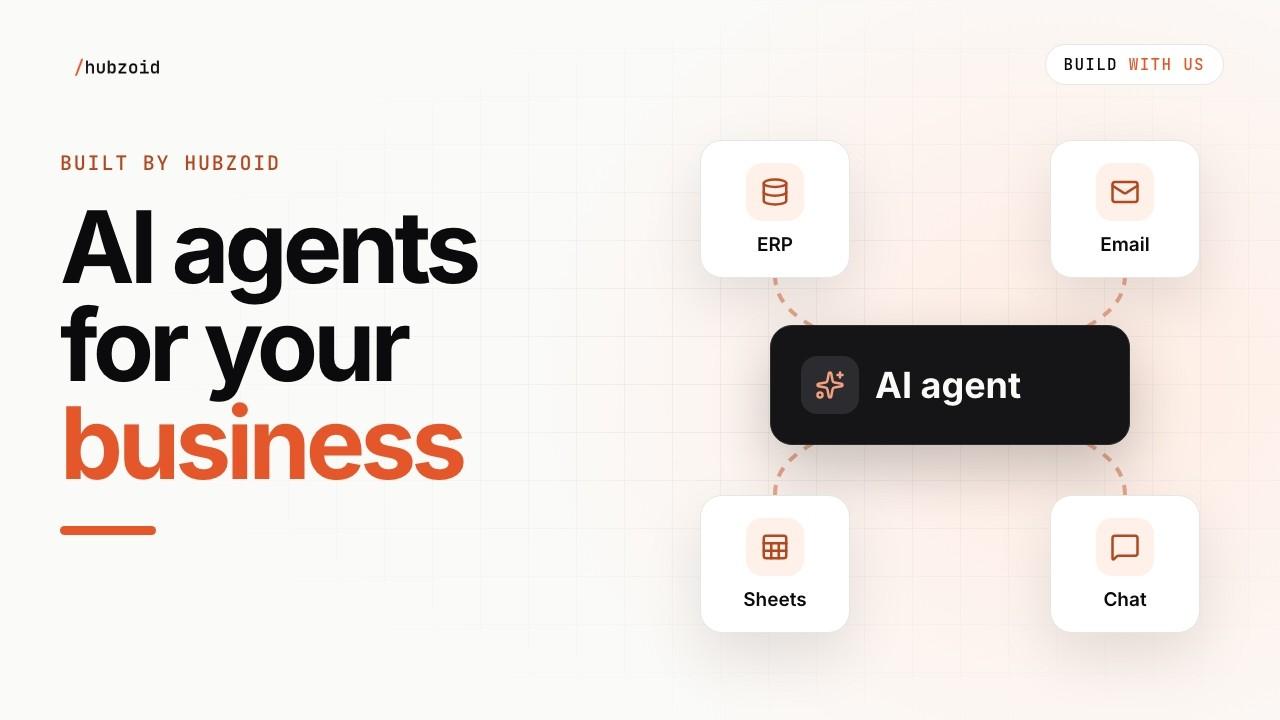
Your process. A working agent.
About 2 minutes
Watch on YouTube (opens in a new tab)Understand
Walk us through your process and where your team needs help.
Agree
Choose a useful result. Agree the scope and quote.
Build and test
We connect your knowledge, rules and tools, then test with your team.
Deploy and train
Run it on your infrastructure. We train your team and hand it over.
Access you control
Every agent comes with clear boundaries.
You control who can use each agent and which tools it can call.
- Manage access in the Console
- Restricted tools need an explicit grant
- Money, stock and customer changes are drafted for your team to make

What you receive
Yours to run after handover.
Your engagement includes the agent and the materials your team needs to run and adapt it. Built on the same open-source Hubzoid product.
- Editable Hub context, agent instructions and tools
- Deployment setup and operating documentation
- Training for the people who use and maintain the agents
- Team handover and an agreed plan for ongoing support
Your infrastructureYour server, cloud account or laptop
Your HubYours
AGENTS.mdknowledge/skills/tools_local/
Your agent’s files, versioned in your Git repository.
Runs on
HubzoidApache 2.0
 Hubzoid
- Chat
- Workflows
- MCP
- Console
Open source. Free to use, change and run.
Stored here: web chat history, runs and the access log.
Outbound only to what you configure
Your model provider and the systems you connect
Contact us
Request a demo.
Tell us what you would like your agent to do. We will reply by email to arrange your demo.
Questions
What teams ask before we start.
More about the build, handover and ongoing support.
What kind of agents do you build?
Agents for everyday team work: scheduled reports, answers from your data in chat, checks that flag exceptions and shared context for your AI assistants.
We are not sure which agent we need. Where do we start?
With your business. We map the work with you and suggest ideas, and you choose the agents that help most.
Is training included?
Yes, always. Your team learns to run, adjust and maintain every agent we build.
Who runs the agents after handover?
Your team. You own the Hub, the agents and the documentation, all on open-source Hubzoid.
What do you need from our team?
Someone who knows the work, access to the systems involved and a little time each week to review results.
Which systems can you connect?
Almost anything with an API, a database or a regular export, from ERP and accounting to email and chat.
Where do the agents run, and which AI models do they use?
In your cloud or on your own servers, with a model provider Hubzoid supports. That provider’s data terms apply.
What happens after the first agents?
We keep working with you on the next batch, reusing the same Hub and connections.
How is an engagement billed?
We bill each engagement separately, based on the agents we build for you and how much support your team needs.