Part 1 · Lesson 1 of 9 · 3:35 video
Why AI agents need a harness, and how it works
See how a harness turns a model request into a useful sequence of steps.
Course content Lesson 1 of 9
- 01Why AI agents need a harness, and how it works
- 02Knowledge and skills: how AI agents use your business knowledge
- 03Tools, connectors and MCP: how AI agents take action
- 04Three types of AI agents, one brain
- 05The brain in detail: build your first hub with Hubzoid
- 06The Ask agent: give your team an AI agent in chat
- 07The daily report: an AI agent workflow on a schedule
- 08Your own Claude, connected through MCP
- 09Access and telemetry: run AI agents for a whole team
Lesson notes
The ideas from the video, with examples.
The loop, one turn at a time
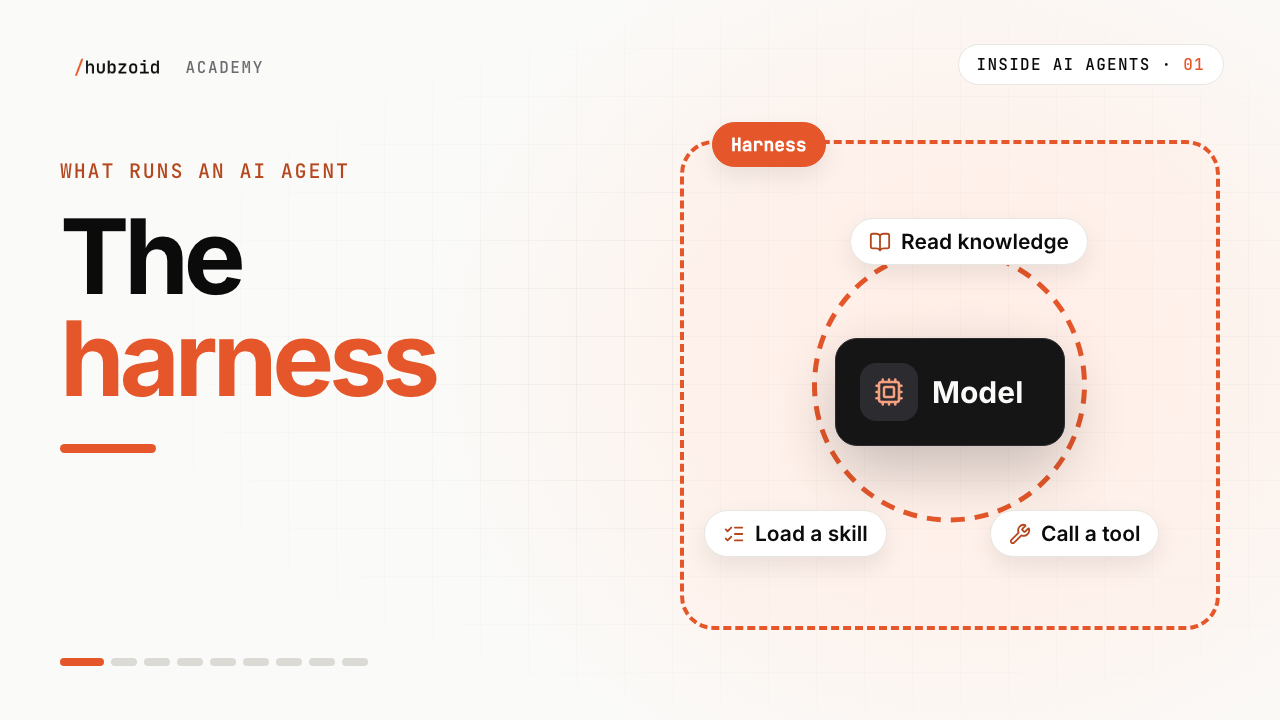
A model only reads and writes text. The harness is the program around it that opens files, runs code and keeps the loop going.
The harness sends the task and a short menu of documents, skills and tools, one line each.
The model replies with a request, such as "call
get_orderwith order 4471".The harness checks the request and runs it, then adds the result to the conversation.
The model reads the result and decides again: another request, or the final answer.
What the model actually sends
A tool request is structured data: a tool name and its inputs. Roughly what Maya's harness sees on one turn:
The model's request { "type": "tool_use", "name": "get_order", "input": { "order_id": "4471" } }The result the harness sends back { "type": "tool_result", "content": "Order 4471 · Harbour Press · 3 lines · Paper Moons, 20 copies at 35% discount …" }The model never touches the purchasing system. The harness does, and decides whether the request is allowed.
When the loop stops
Reason What it looks like The job is done Every invoice is checked, and the model writes its summary. A limit is reached A cap on steps, time or cost ends the run, even mid-task. A person must approve The harness pauses before an action, such as sending an email.
Exercise
Try it: watch a harness work
Pick a task with several steps. In Claude, ChatGPT, Codex or Claude Code, try "Find the three most recent changes in this folder and summarise each one."
Watch the steps. Each "searched", "read a file" or "ran a command" line is one request carried out.
Count the turns before the final answer, and note why it stopped.
If you're stuck
My assistant answers straight away, with no steps
The task fitted in one answer. Ask for something that needs files or a web search, with those tools turned on.
I can't see the individual steps
Most assistants fold each step into a short line, such as "Read file". Open it to see the request and result.
Is a harness the same as an agent framework?
A framework gives you a harness to build on. Hubzoid runs on the Claude Agent SDK, the OpenAI Agents SDK or Codex, and adds the shared brain, access and operations.
Still stuck? Run hubzoid doctor on your hub, then search GitHub issues (opens in a new tab) with your version and the full error. Setting it up for a team? Request a demo.
Go deeper
- Hubzoid architectureHow a hub, its runtime and its surfaces fit together.
- Agents and modelsWhich harness runs your agent, and how to choose a model.
- Claude Agent SDK (opens in a new tab)Anthropic's harness for building agents.
- OpenAI Agents SDK (opens in a new tab)OpenAI's framework for agents, tools and handoffs.
Transcript and what the video shows
Intro
Welcome to Inside AI Agents, a short series on how AI agents really work. We'll start with the piece that runs everything else.
One answer is not enough
Meet Maya. She looks after purchasing at Wren and Page, an independent bookshop with four branches. Every morning, invoices arrive from publishers. And every one has to match what the shop ordered.
This morning, there are twelve. So Maya asks an AI assistant for help. It answers once, from what she types. It can't open the invoices. It can't look up the orders. So Maya copies, pastes, and does most of the work herself.
That's because checking invoices isn't one answer. It's many small steps. Find today's invoices. Open each one. Look up its order. Compare the titles and prices. Check the totals. Twelve invoices means dozens of steps, and every step needs fresh data.
To do work like that, the model has to run in a loop. Think about the next step. Do it. Look at the result. Then think again.
A program that runs the loop
But a model can't loop on its own. It only reads and writes text. So people built a program around it, to run that loop. It's called a harness.
Let's give Maya's job to a harness. First, it sends the model the task. Along with a short menu of what's available. Documents it can read. Skills it can follow. And tools it can use. Only names and one-line descriptions. Not the full text.
Reading knowledge and skills
The model reads the task, and asks for the shop's invoice rules. The harness finds that document, and hands it back.
Then it asks for a skill. Check an invoice. A skill is a written procedure, the way Maya's team already does the work. Now the model knows the rules, and the steps.
Tool calls
But rules don't open invoices. For that, it needs tools. A tool is a piece of real code, with a name, a description, and the inputs it needs.
The model can't run code itself. So it writes a request. Get order 4471. The harness checks the request, runs the code, and puts the result back into the conversation. The model reads it, and decides the next step.
Round and round, then stop
Then it goes round again. Ask for a tool. Get the result. Decide. Invoice by invoice. Ten match. Two don't. One publisher gave a smaller discount than agreed. Another left a title off.
The harness also decides when to stop. When the job is done. When it hits a limit, on steps, time, or cost. Or when a person needs to approve the next move.
Here, the job is done. Instead of twelve invoices, Maya has two to look at, and she knows exactly why.
The harness
So that's a harness. The program that runs a model in a loop. It sends the task and the menu, fetches knowledge and skills, runs the tool calls, and knows when to stop.
If you've used Claude Code or Codex, you've already used a harness, one built for coding.
The model thinks. The harness does everything else.
Try it and next
Try this. Give your AI assistant a task with a few steps. Each time it searches, reads a file, or runs something, that's a harness running a tool.
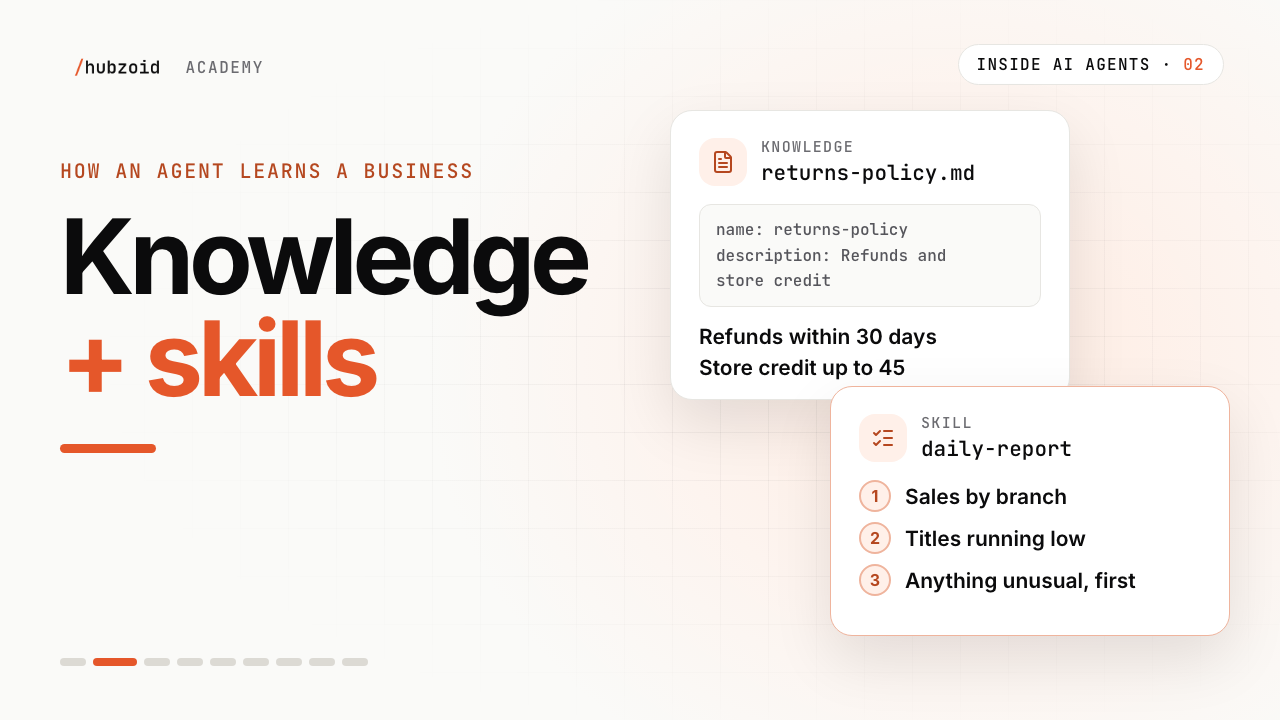
Next time, we'll look inside the brain behind Maya's agent. Knowledge and skills, and how an agent learns a business.
What the video shows
- The on-screen loop is task and menu, model request, harness action, returned result, then another model decision.
- It stops when the job is done, a limit is reached or a person must approve.
 Up next: lesson 2, 3:15Knowledge and skills: how AI agents use your business knowledge