Part 2 · Lesson 9 of 9 · 3:04 video
Access and telemetry: run AI agents for a whole team
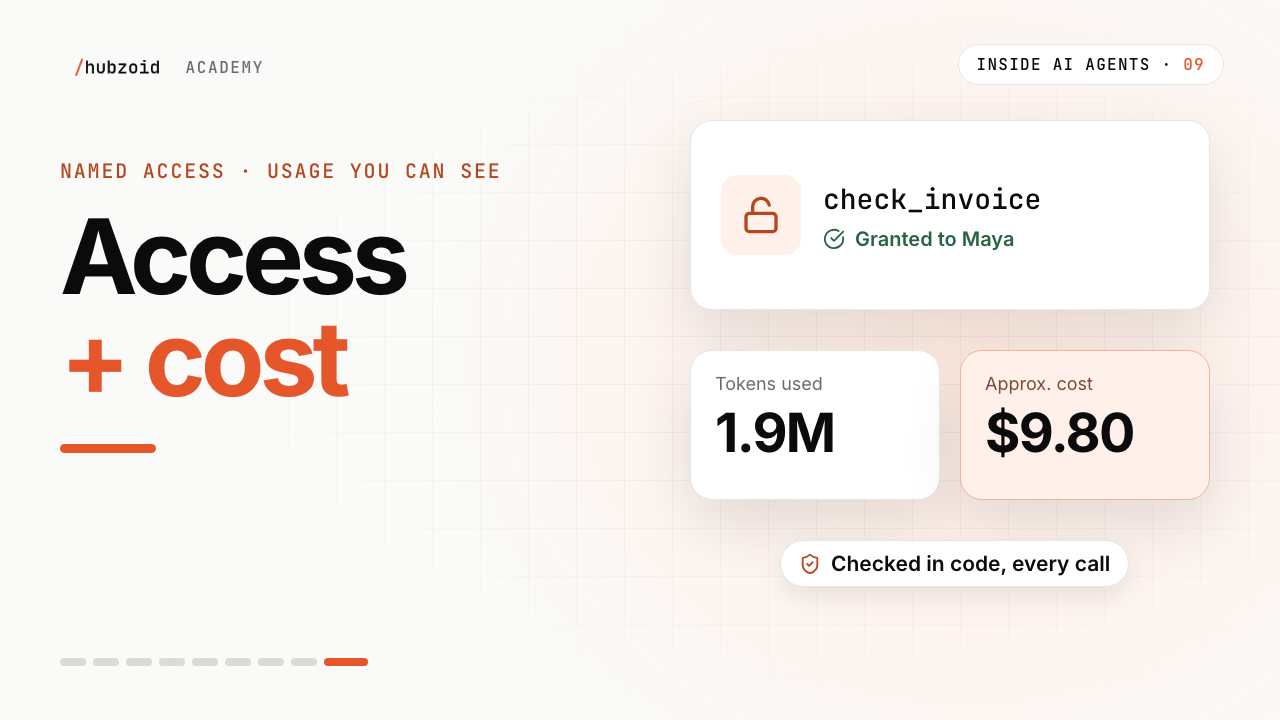
Grant one restricted tool and trace its use in Activity.
- Before you start
- A deployed hub, sign-in, named people and Console administrator access.
Course content Lesson 9 of 9
- 01Why AI agents need a harness, and how it works
- 02Knowledge and skills: how AI agents use your business knowledge
- 03Tools, connectors and MCP: how AI agents take action
- 04Three types of AI agents, one brain
- 05The brain in detail: build your first hub with Hubzoid
- 06The Ask agent: give your team an AI agent in chat
- 07The daily report: an AI agent workflow on a schedule
- 08Your own Claude, connected through MCP
- 09Access and telemetry: run AI agents for a whole team
Step by step
The commands and files for this lesson, step by step.
Grant a restricted tool
In the Console: Agents › Wren & Page › Access, then Edit access on Maya's row. Open Restricted tools, tick Check Invoice, then Review changes and Save change. Or from a terminal on the server, in the folder that holds
wren-page:Terminal hubzoid grant maya@wrenandpage.example check_invoice wren-pageWhat you should see (abridged) Access store: sqlite:///…/gateway-data/hubzoid-operational.db granted maya@wrenandpage.example · check_invoice in wren-pageGranting a tool also grants "Use this agent". To take it back:
Terminal hubzoid revoke maya@wrenandpage.example check_invoice wren-pageWhat the invoice check returns
With the sample data, invoice HP-2231 returns:
Show
check_invoice('HP-2231')19 linescheck_invoice('HP-2231') { "invoice": "HP-2231", "order": "4471", "publisher": "Harbour Press", "lines_checked": 3, "differences": [ { "title": "Paper Moons", "copies": 20, "ordered_copies": 20, "invoiced_list_price": "12.99", "ordered_list_price": "12.99", "invoiced_discount": "30%", "agreed_discount": "35%", "difference": 12.99 } ], "over_by": 12.99 }Checked in code, and recorded
Every restricted call is checked before it runs, and the decision is recorded. By default, restricted tools work in the web chat, API and MCP, not in Slack, WhatsApp or Telegram.
wren-page/.env (optional) # The complete list of surfaces that may reach restricted tools. HUBZOID_RESTRICTED_SURFACES=owui,web,api,mcpIn the Console, Activity has two tabs:
Tab Shows Tool decisions Every restricted tool call and whether it was allowed, such as "Maya used check_invoice in Wren & Page via mcp" Access changes Who changed access, for whom, and to what, such as "Nora allowed Maya to Check Invoice in Wren & Page" Usage and cost
The Console's Agents page totals the last 24 hours, 7 days or 30 days: messages, users, tokens used, workflow runs and an approximate model cost. Your provider's bill has the exact figure.
Your data, on your server
What Where Accounts, conversations, access grants, tool decisions and usage gateway-data/hubzoid-operational.dbWorkflow runs and their saved steps wren-page/.hubzoid/dbos.dbAll of it on PostgreSQL instead install hubzoid[postgres]and setDATABASE_URLbefore starting the gatewayBack up while the hub keeps serving. One variable keeps the backup and the restore on the same file:
Terminal, on the shop's server mkdir -p /var/backups/hubzoid BACKUP=/var/backups/hubzoid/hubzoid-$(date +%F).tar.gz hubzoid backup ./wren-page --out "$BACKUP" hubzoid restore "$BACKUP" --dry-run--dry-runonly shows where each file would go. Stop the gateway before a real restore. The archive leaves out.envfiles, encryption and signing keys, and database passwords, so keep protected copies of those elsewhere.Traces in Langfuse, if you want them
Off by default. One setting sends OpenTelemetry traces to Langfuse or a similar backend.
wren-page/.env HUBZOID_OTEL_ENDPOINT=https://langfuse.example.com/api/public/otel OTEL_EXPORTER_OTLP_HEADERS=Authorization=Basic <base64 of public_key:secret_key> # With claude-local, add this so tokens and cost show up in Langfuse HUBZOID_OTEL_NORMALIZE=1
Exercise
Try it
Put one sensitive tool in
restricted/, named for the permission it needs.Grant it to yourself in the Console, or with
hubzoid grant.Use it once, from the web chat or your connected assistant.
Find the call in Activity, under Tool decisions. Then remove the grant, and see the change under Access changes.
If you're stuck
I granted the tool, but it doesn't show up
The check changes at once, but an open chat or assistant session may keep its old tool list. Start a new chat or reconnect.
It works in the web chat, but not in Slack
Restricted tools are off there by default, because those channels don't verify each person. See HUBZOID_RESTRICTED_SURFACES above.
hubzoid grant says refused
A grant to *, everyone signed in, is refused. Grant named people by email.
The cost shows an asterisk, or a dash
Calls to a model without a known price are left out of the estimate and marked with *. A dash means no priced calls in that period. In Langfuse, cost with claude-local needs HUBZOID_OTEL_NORMALIZE=1.
Still stuck? Run hubzoid doctor on your hub, then search GitHub issues (opens in a new tab) with your version and the full error. Setting it up for a team? Request a demo.
Where to go from here
- Restrict toolsPermissions, labels and what the Console shows.
- People and ActivityAccounts, grants and every recorded decision.
- ObservabilityOpenTelemetry and Langfuse, step by step.
- Backup and restoreProtect grants, runs and history.
- Security modelHow a hub keeps secrets and access in code.
- TemplatesStart your next hub from a working example.
Transcript and what the video shows
Intro
Welcome back to Inside AI Agents. Last time, Maya brought the brain into Claude Cowork. This time, in the last video, we run the brain for the whole team.
The whole shop is using it
The whole shop uses the brain now. Sam in chat. Nora's report, every morning. Maya, in Claude Cowork. Two things matter now. The invoice check should open for the people in purchasing. And Nora wants to see how the brain is used, and what it costs.
Grant the invoice check
Nora opens the Admin Console, goes to the agent's access page, and edits Maya's access. Under restricted tools, she ticks Check Invoice, reviews the change, and saves. There's a command for it too. Hubzoid grant, Maya's email, check invoice. Access goes to named people, one person at a time.
It's there, right away
The change is immediate. In Claude Cowork, the invoice check now shows up in Maya's tools. She asks it to check invoice HP-2231, from Harbour Press. One line is off. A thirty percent discount, where they agreed thirty-five. For Sam, nothing changes.
Checked and recorded
Every call to a restricted tool is checked in code, before it runs, and written down. In the Console, Activity shows each decision. Maya used check invoice, through MCP. Allowed. And access changes show who gave what, to whom.
Usage and cost
Nora opens the Agents page. For the last seven days: messages, people, tokens used, workflow runs, and the approximate cost. It's estimated from the model's prices. The provider's bill has the exact figure.
Runs, and your own data
Runs and schedules shows every run of Nora's report, with each step, and its result. All of this lives in the shop's own databases, on the shop's own server. And if the team already uses a tracing tool, like Langfuse, one setting sends traces there too.
Access and telemetry
So that's access and telemetry. Sensitive tools open for named people, checked in code, and recorded. And a clear view of usage, runs and cost.
Try it
Try this. Put one sensitive tool in restricted. Grant it to yourself, use it, and find your call in Activity. Every file from the course is on the website, linked in the description.
The whole course
And that's Inside AI Agents. Let's pull it together. An agent is a model in a harness, running a loop. Its brain is what it knows, and what it can do. Knowledge, skills and tools.
Build that brain once, and use it three ways. Sam asks in chat. Nora's report runs on its own. Maya brings it into her own assistant. And for the whole team, sensitive tools open for the right people, and you can see what it all costs.
Close
That's everything you need to build your own. One brain for your internal agents. Thanks for watching.
What the video shows
- The invoice tool is restricted until a named person receives a grant.
- The Console Activity view shows allowed or denied calls, and usage numbers include estimates.