Part 2 · Lesson 7 of 9 · 3:03 video
The daily report: an AI agent workflow on a schedule
Run a daily report manually, inspect it, then schedule delivery.
- Before you start
- A hub with a model and a named run account. SMTP and an active scheduler are needed for actual email delivery.
Course content Lesson 7 of 9
- 01Why AI agents need a harness, and how it works
- 02Knowledge and skills: how AI agents use your business knowledge
- 03Tools, connectors and MCP: how AI agents take action
- 04Three types of AI agents, one brain
- 05The brain in detail: build your first hub with Hubzoid
- 06The Ask agent: give your team an AI agent in chat
- 07The daily report: an AI agent workflow on a schedule
- 08Your own Claude, connected through MCP
- 09Access and telemetry: run AI agents for a whole team
Step by step
The commands and files for this lesson, step by step.
Two ways to write recurring work
Code workflow Plain-English schedule Lives in workflows/<name>/main.pyschedule/<name>.mdWritten as Python steps, in order instructions for the agent Starts on a schedule, an event, or by hand on a schedule, an event, or by hand Best for exact steps, with the agent only where judgment matters a short recurring brief A plain-English schedule is one Markdown file with a trigger in its front matter:
schedule/restock-check.md --- schedule: "0 9 * * 1" enabled: false --- List the titles running low at each branch, using the KPI definitions, with the days of stock for each. Keep it to one short table.0 9 * * 1is cron for 9:00 every Monday. Useon_webhook:instead ofschedule:to start it from an event.Start with one command
Terminal, in hubzoid-academy/ hubzoid new workflow daily_report my-hubWhat you should see created ~/hubzoid-academy/my-hub/workflows/daily_report/main.py run it once: hubzoid schedule run my-hub daily_reportThe file starts as a small manual example with no schedule. Fill in the steps yourself, or with Claude Code or Codex. The finished
wren-pagesample already has this workflow, so the command refuses to overwrite it there.The workflow, step by step
Show
workflows/daily_report/main.py (the workflow function)20 linesworkflows/daily_report/main.py (the workflow function) from hubzoid import hub, step, workflow from pydantic import BaseModel class Report(BaseModel): html: str @workflow("daily 08:00", timezone="Europe/London", run_as="nora@wrenandpage.example") def daily_report(): sales = yesterdays_sales() # @step: plain Python low = titles_running_low() # @step: plain Python report = hub.call_agent( # the brain: the daily-report skill "Write the morning report for Nora as an HTML fragment (no <html> or <body>). " f"Sales by branch, yesterday and the same day last week: {sales}. " f"Titles running low: {low}.", response_model=Report, ).html page = build_page(str(hub.run_dir / "report.html"), report, sales["date"]) # @step link = hub.publish_artifact(Path(page), title="Daily report") hub.send_email("Your daily report", "It's ready.", artifacts=[link]) return {"report": link["url"]}One of the steps @step def yesterdays_sales() -> dict: """Copies sold per branch yesterday, and on the same day last week.""" rows = _sales() yesterday = max(date.fromisoformat(r["date"]) for r in rows) week_ago = yesterday - timedelta(days=7) totals = {"yesterday": {}, "last_week": {}} for r in rows: day = date.fromisoformat(r["date"]) key = "yesterday" if day == yesterday else "last_week" if day == week_ago else None if key: totals[key][r["branch"]] = totals[key].get(r["branch"], 0) + int(r["copies"]) return {"date": yesterday.isoformat(), **totals}Each finished
@stepis saved, so a restarted run continues where it stopped.call_agent or call_llm
Call What runs Use it when hub.call_agent(task)The hub's full agent, with its knowledge, skills and tools The step needs judgment and the shop's context hub.call_llm(prompt)One model call, with no tools You already have everything the model needs Both take a Pydantic
response_modeland return a checked object. The daily report uses one, so only the finished HTML reaches the page, without the tool steps a chat shows.call_llmcan also return plain JSON withresponse_format="json".Who it runs as
Every run acts as a real account, set with
run_as, and the email goes only to that person. The account must have signed in once and hold "Use this agent". Check it:Terminal hubzoid schedule list wren-pageWhat you should see on the server (abridged) workflow daily_report · scheduled · Europe/London · next … · runs as nora@wrenandpage.example (its run_as)Run it once, then schedule it
On your laptop, remove
run_asfor the first try. Preview mode writes the email to a folder instead of sending it.Terminal HUBZOID_EMAIL_DELIVERY=preview hubzoid schedule run wren-page daily_reportWhat you should see (abridged) → running workflow daily_report ✓ workflow daily_report returned: {'report': 'http://127.0.0.1:3080/portal/artifacts/…'}The email lands in
wren-page/.hubzoid/outbox/, with a link to the report. In the Console, the agent's Runs & schedules tab lists each run, who it ran as and its result.Schedules can be plain English or cron:
daily 08:00,every monday 08:30,every 15 minutes, or0 8 * * *. Add atimezone, or the server's local time is used. On a laptop,hubzoid runstarts code workflows on their schedule only withHUBZOID_SCHEDULES=1in.env. The gateway does this by itself.Send real email
On the server, set an SMTP sender in
.env:wren-page/.env HUBZOID_SMTP_HOST=smtp.example.com HUBZOID_SMTP_PORT=587 HUBZOID_SMTP_FROM=reports@wrenandpage.example HUBZOID_SMTP_USERNAME=reports@wrenandpage.example HUBZOID_SMTP_PASSWORD=...
Exercise
Try it
Create a workflow with
hubzoid new workflow.Add one step that gathers numbers, from a CSV or a small query.
Add one
hub.call_agentthat turns the numbers into a short summary.Add a step that sends it out with
hub.send_email, and run it once in preview mode.Give it a time with
@workflow("daily 08:00", timezone=...)once the preview looks right. On a laptop, also setHUBZOID_SCHEDULES=1.
If you're stuck
schedule list says: cannot run
No signed-in account exists for the run_as email. Have that person sign in once, or remove run_as for a local try.
The email was refused: admin@localhost cannot receive email
Run as a real person with run_as or HUBZOID_WORKFLOW_USER, or use HUBZOID_EMAIL_DELIVERY=preview.
hubzoid schedule run can't find my workflow
The last argument is the function's name, daily_report, not the folder's. Run hubzoid doctor to confirm the workflow file loads.
Will a failed agent step be retried?
Not by default, since a retry can repeat an action. Set agent_max_attempts in workflows/settings.yaml only for safe steps. Plain steps retry with @step(max_attempts=3).
It fails on Python 3.12 with a database error
The workflow engine needs SQLite 3.42 or newer on Python 3.12. Check the deps.sqlite line in hubzoid doctor.
Still stuck? Run hubzoid doctor on your hub, then search GitHub issues (opens in a new tab) with your version and the full error. Setting it up for a team? Request a demo.
Go deeper
- Code workflowsSteps, schedules, retries and recovery.
- Markdown tasksPlain-English schedules and their triggers.
- Workflow APIEvery hub method a workflow can call.
- Runs in the ConsoleInspect a run, its steps and its result.
- Operating runsPause, resume and cancel scheduled work.
- WebhooksStart a task from another system.
Transcript and what the video shows
Intro
Welcome back to Inside AI Agents. Last time, Sam asked the brain in chat. This time, the brain does the work on its own, before anyone asks.
The numbers, waiting at eight
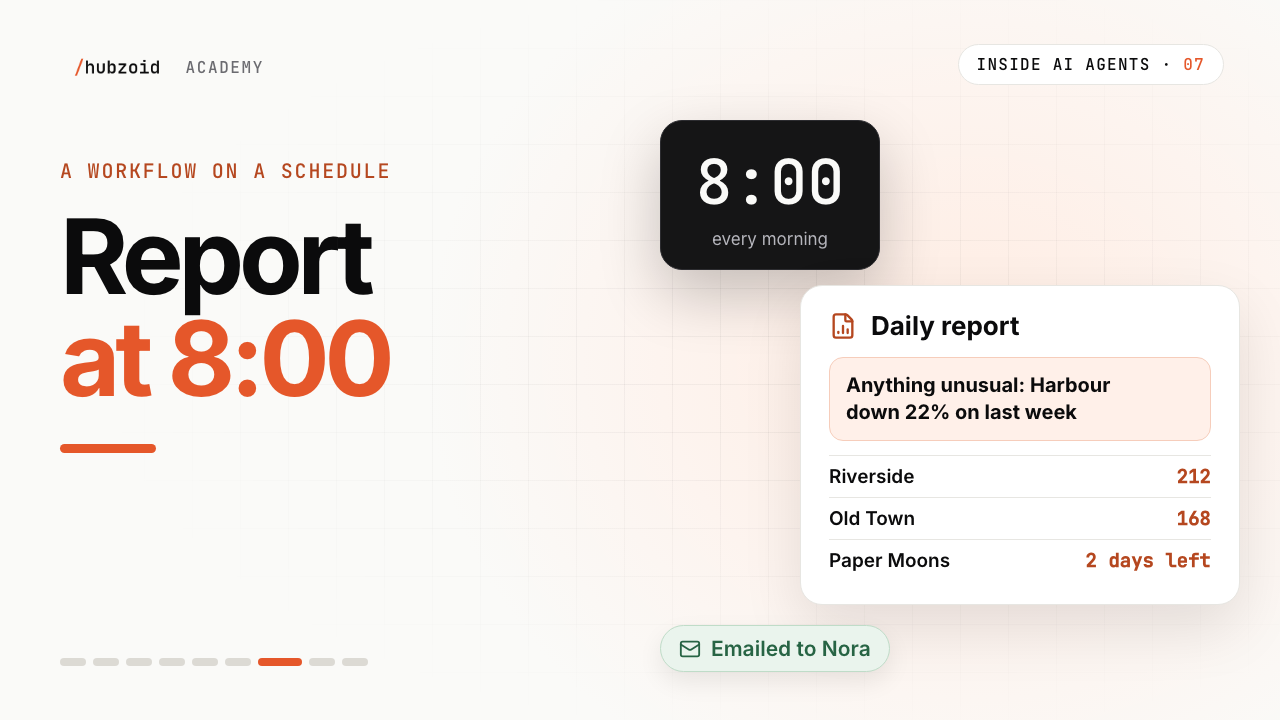
Nora owns the shop. Every morning at eight, she wants the numbers waiting for her. Sales by branch, titles running low, and anything unusual. The same report, every day, without anyone having to remember.
Workflows, and schedules
Work like this runs as a workflow. A workflow is code, with exact steps, the same way every time. You can write it by hand, or with your coding assistant, like Claude Code or Codex.
Hubzoid also has a lighter way, called a schedule. A plain English file: when to run, and what to do. It can also start from an event, like a new order. Here, we'll build a workflow.
Start with one command
Maya starts with one command. Hubzoid new workflow, daily report. It creates the file. Then she asks Claude Code to fill in the steps.
Fixed steps, then the brain
The first steps are plain Python. One gathers yesterday's sales by branch. One finds the titles running low. Code does the exact part, the same way every time, and each finished step is saved.
Then one line hands the numbers to the agent. hub.call_agent. It's the same brain Sam chats with, and it finds the daily report skill, and follows its steps. Anything unusual, first. For a single answer without tools, there's hub.call_llm.
Then back to code. A step puts the report into the shop's page. It's published, and emailed to Nora as a link.
Who it runs as
Every workflow runs as a real person. This one runs as Nora. So the report is hers, and so is the inbox it lands in.
Run it once, then schedule it
Before it goes on the clock, Maya runs it once by hand. Hubzoid schedule run, wren-page, daily report. In the Console, the runs page shows every step, and the result. Then she sets the time. Daily, at eight. From tomorrow, it just runs.
Nora's morning
At eight, the steps run. Nora gets an email, with a link to her report. It opens with anything unusual, first. The report stays in Hubzoid. It's Nora's, and she can share it with the team.
A workflow
So that's a workflow. Code, wrapped around the brain. A time or an event starts it. Fixed steps in code do the exact work, and the brain steps in where judgment matters. The result lands where it's needed.
Try it and next
Try this. Create a workflow in your hub. Add one step that gathers some numbers, one call to the agent, and a step that sends it out. Run it once by hand, then give it a time to run. The full code is on the website, linked in the description.
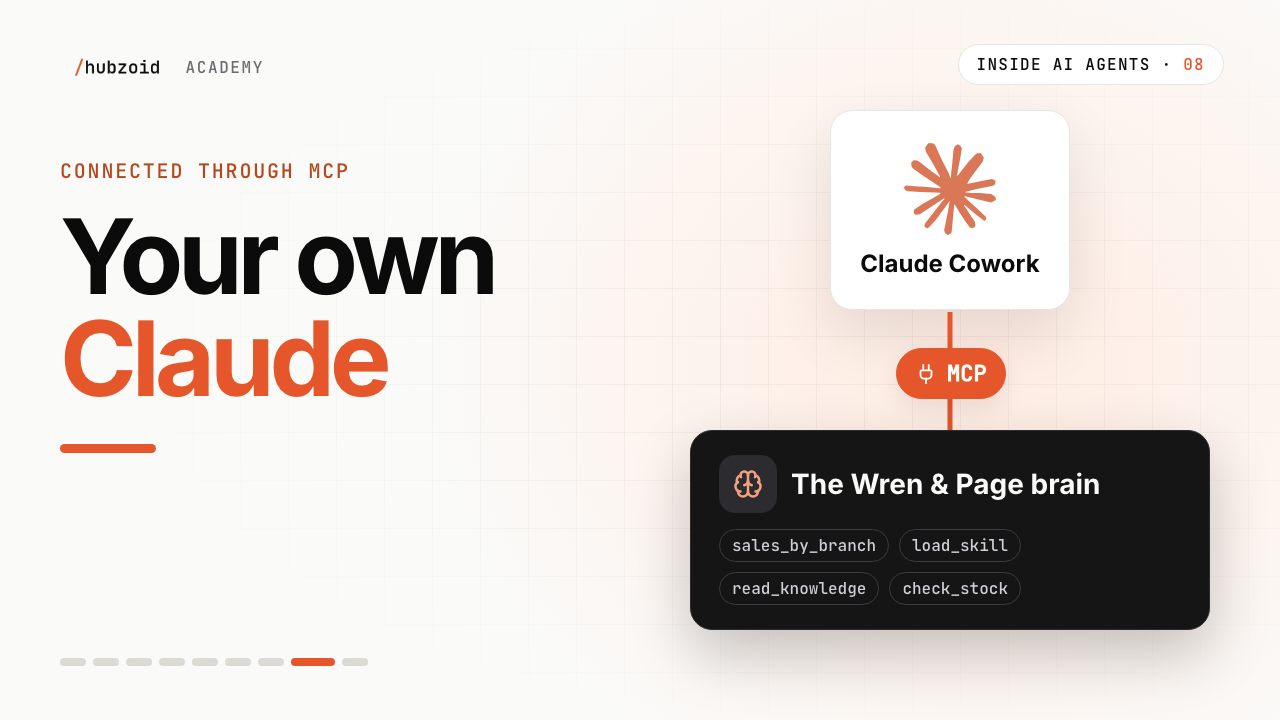
Next time, we'll bring the same brain into Maya's Claude Cowork.
What the video shows
- The report combines code steps, one agent call, an HTML page and email delivery.
- The example schedule is daily at 08:00 in Europe/London and uses a named run identity.
 Up next: lesson 8, 2:55Your own Claude, connected through MCP